
Archive manager
for macOS & Linux
Drag, drop, compress, extract. mac7z wraps the battle-tested 7-Zip engine in a clean, native-feeling UI — built entirely with Flutter & Claude AI.
Drag, drop, compress, extract. mac7z wraps the battle-tested 7-Zip engine in a clean, native-feeling UI — built entirely with Flutter & Claude AI.
Features
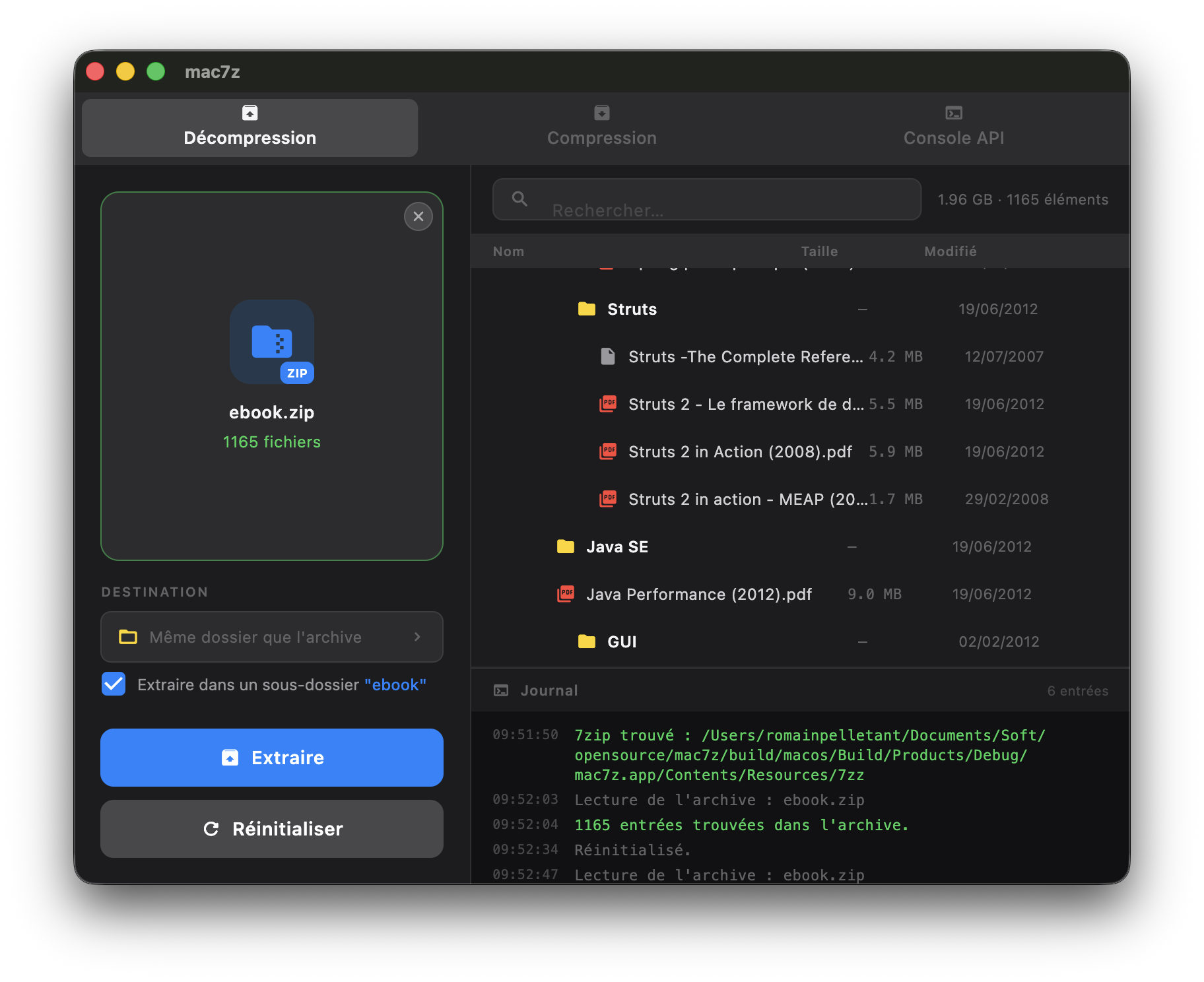
Drop any archive directly into the window to instantly preview and extract its contents.
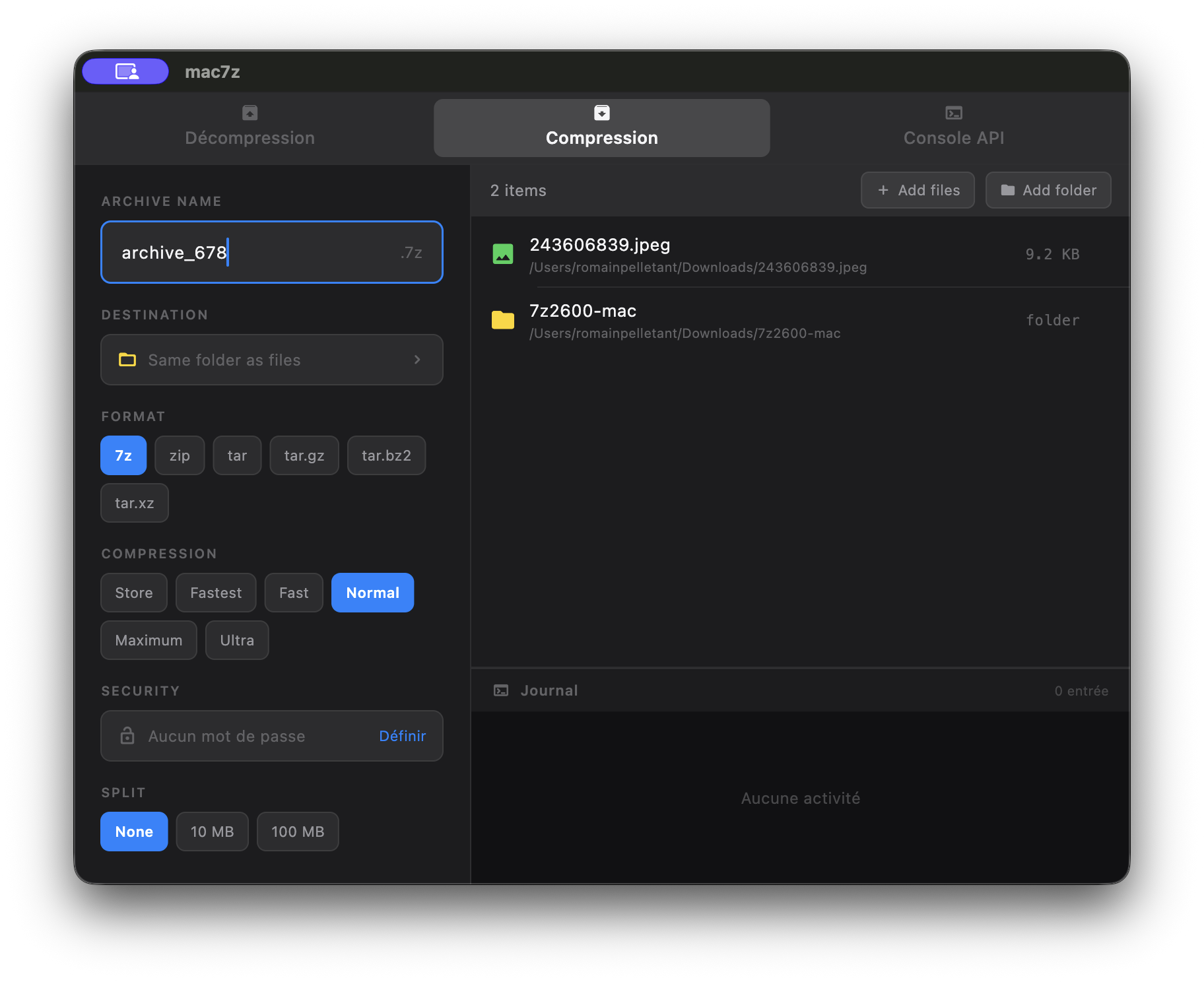
Create .7z and .zip archives with adjustable compression level, from Store to Ultra.
Create and extract multi-volume archives (.7z.001, .zip.002…) with automatic detection.
Password-protected archives with AES-256 and header encryption for .7z.
Browse archive contents before extracting — names, sizes, modification dates, search.
Fully localized UI — French, English, Spanish, German, Japanese, Arabic and more.
Install
Add the mac7z tap and install
brew tap romainpelletant/mac7z
brew install --cask mac7z
Launch mac7z from your Applications folder.
Download the latest DMG from the releases page.
Download DMGOpen the DMG and drag mac7z.app into Applications.
First launch: right-click → Open (required for ad-hoc signed apps).
Install via .deb (Debian / Ubuntu)
sudo dpkg -i mac7z_0.9.0_amd64.deb
Portable tar.gz
tar -xzf mac7z-0.9.0-linux-x64.tar.gz
./bundle/mac7z
Clone and set up
git clone https://github.com/romainpelletant/mac7z
cd mac7z
./scripts/setup.sh   # downloads 7zz binary (macOS)
flutter pub get
Run or build
flutter run -d macos          # debug
flutter build macos --release  # release